Even when you can't tap,
recording still starts.
Three triggers — manual, scheduled, sound detection — plus floating, notification and lock-screen control. Whatever you're doing, the recording doesn't stop.
At a glanceFrom how recording starts
From how recording starts
to how it ends.
Manual recording at a single tap, scheduled starts for meetings, sound detection that wakes only above a threshold, a floating button on top of any other app.
Pick the trigger that fits the moment. Once recording starts, the notification takes over the controls.
Pick the trigger that fits the moment. Once recording starts, the notification takes over the controls.
How to use
Start it any of these ways.
01
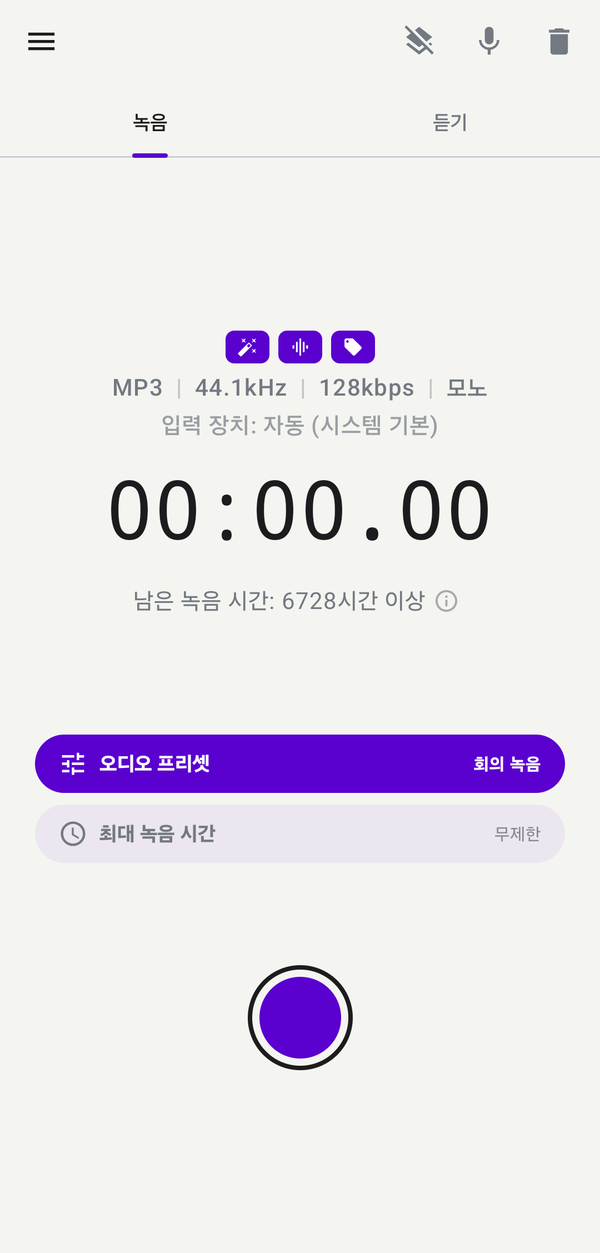
Manual — one tap to start
Hit the red record button on the home screen.
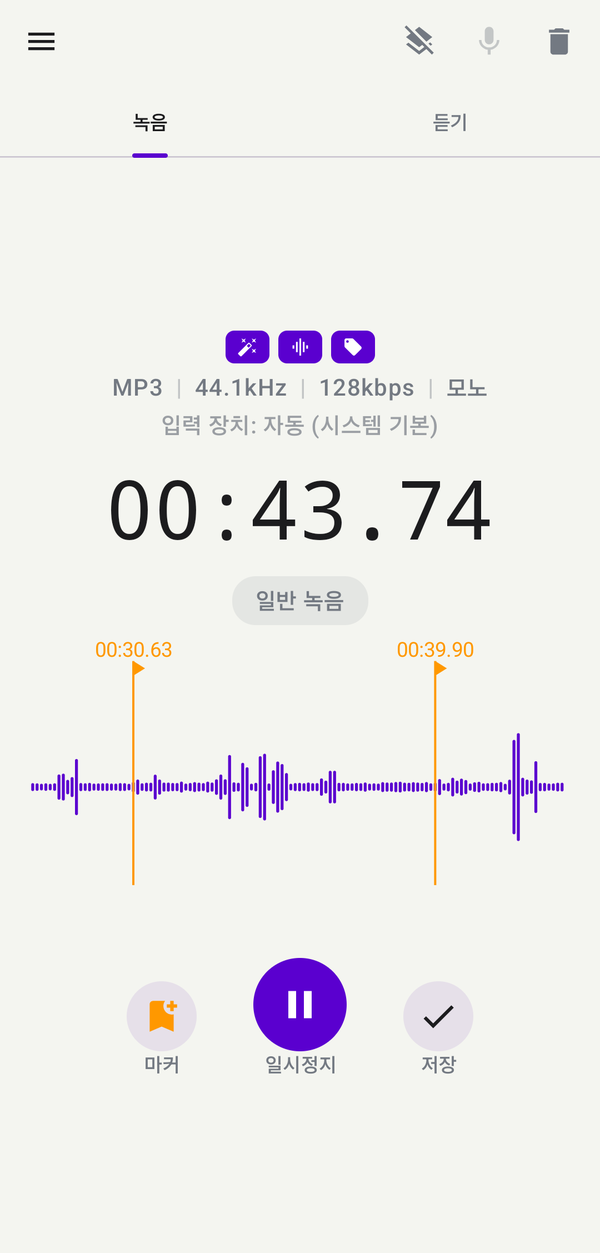
With MP3 or WAV you can pause and continue into the same file,
and you can drop a marker mid-recording whenever it matters.
With MP3 or WAV you can pause and continue into the same file,
and you can drop a marker mid-recording whenever it matters.
02
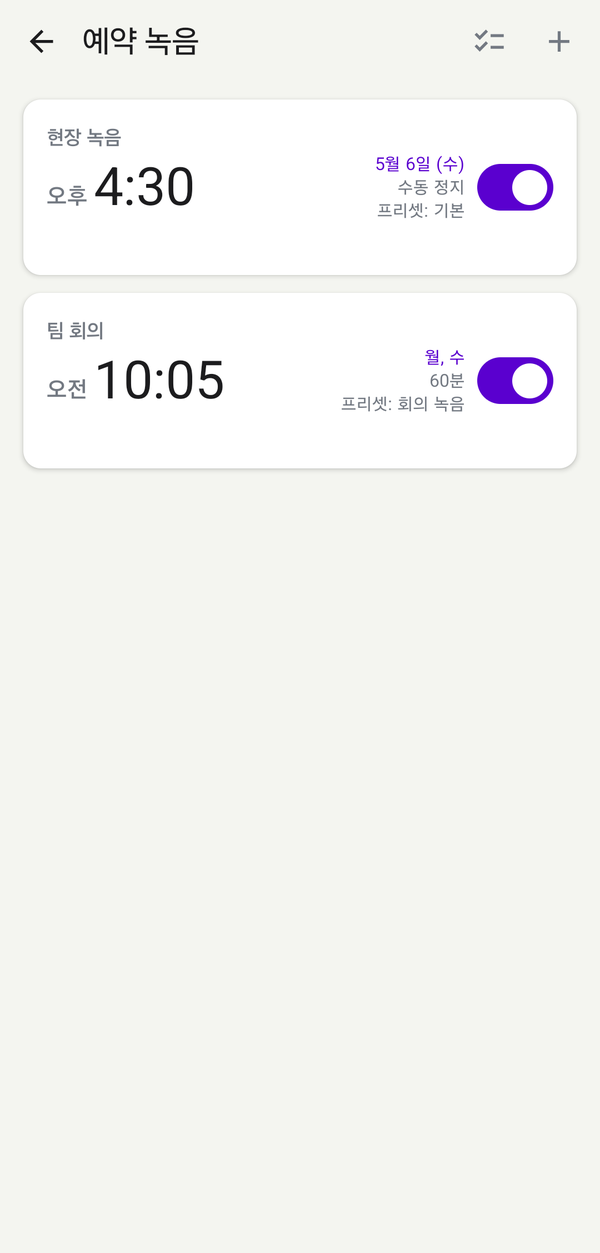
Scheduled — never miss the start time
Set a date and time, or a weekly recurrence (Sun–Sat). When the time comes, recording starts on its own. Choose an auto-stop in minutes, or stop it manually whenever you want.
03
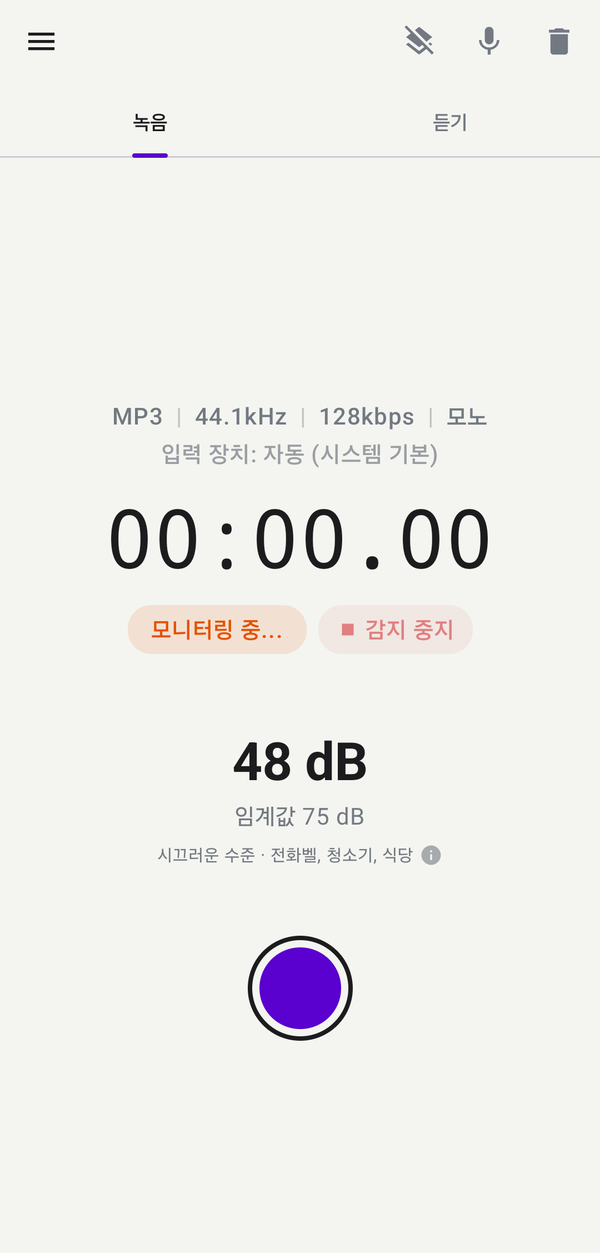
Sound detection — turn on above a threshold
When ambient sound rises above your threshold, recording starts. After silence for a set duration, it stops on its own. Pre-roll captures the seconds before detection, so the moment isn't clipped.
04
Floating, notification & lock-screen control
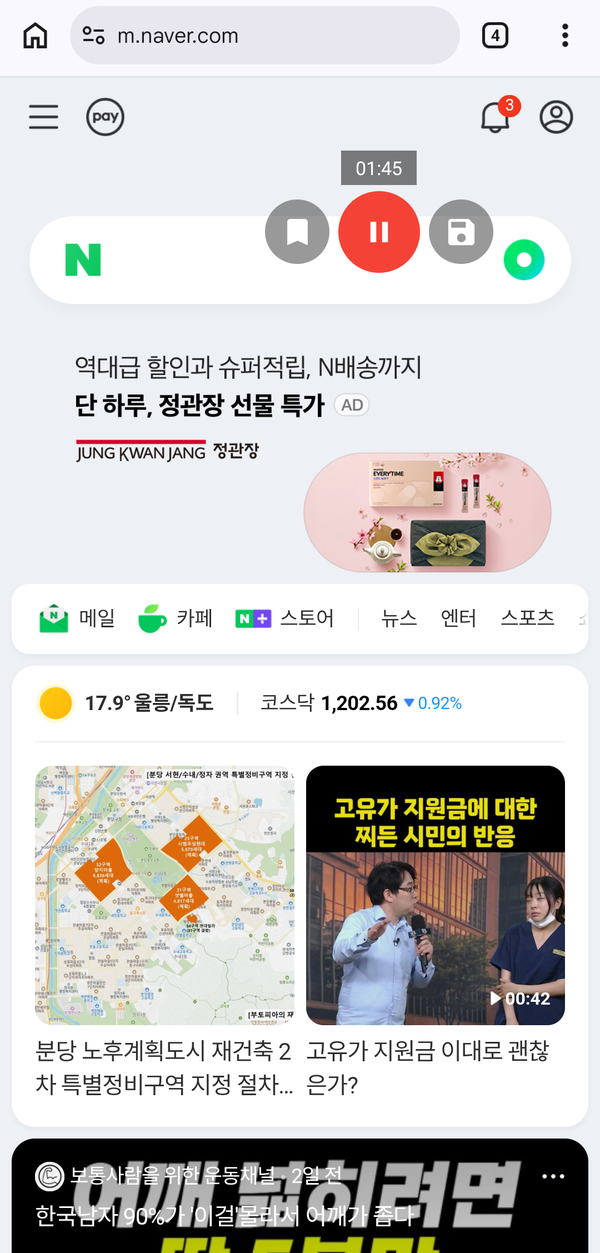
While you're in another app, a floating button starts, pauses, and adds markers. The same controls live in the notification shade and on the lock screen, so you don't need to wake the phone.
Specs
Trigger and control options
Triggers
Manual · Scheduled · Sound detection
Schedule recurrence
One-shot · weekday repeat (Sun–Sat)
Sound threshold
50 dB default · 0–90 dB range
Pre-roll
Keeps the seconds before detection · 2 s default · 0–60 s
Silence auto-stop
Stops when silence persists after detection · 5 s default · adjustable
Continue same file
MP3 · WAV (others save as new)
Length limit
Unlimited (optional auto-save in minutes)
Background control
Floating · notification · lock screen
Easy to start, easy to keep using.
Download and grant permission once — recording, organizing and backup keep flowing in a way designed for you.